 Yharnam Together
Playing together
How to make a team in the game or join one in progress, travelling apart, chalice dungeons, the map and compass, what the party list shows, how going down and reviving work, and how to give items to a teammate.
 Make a team
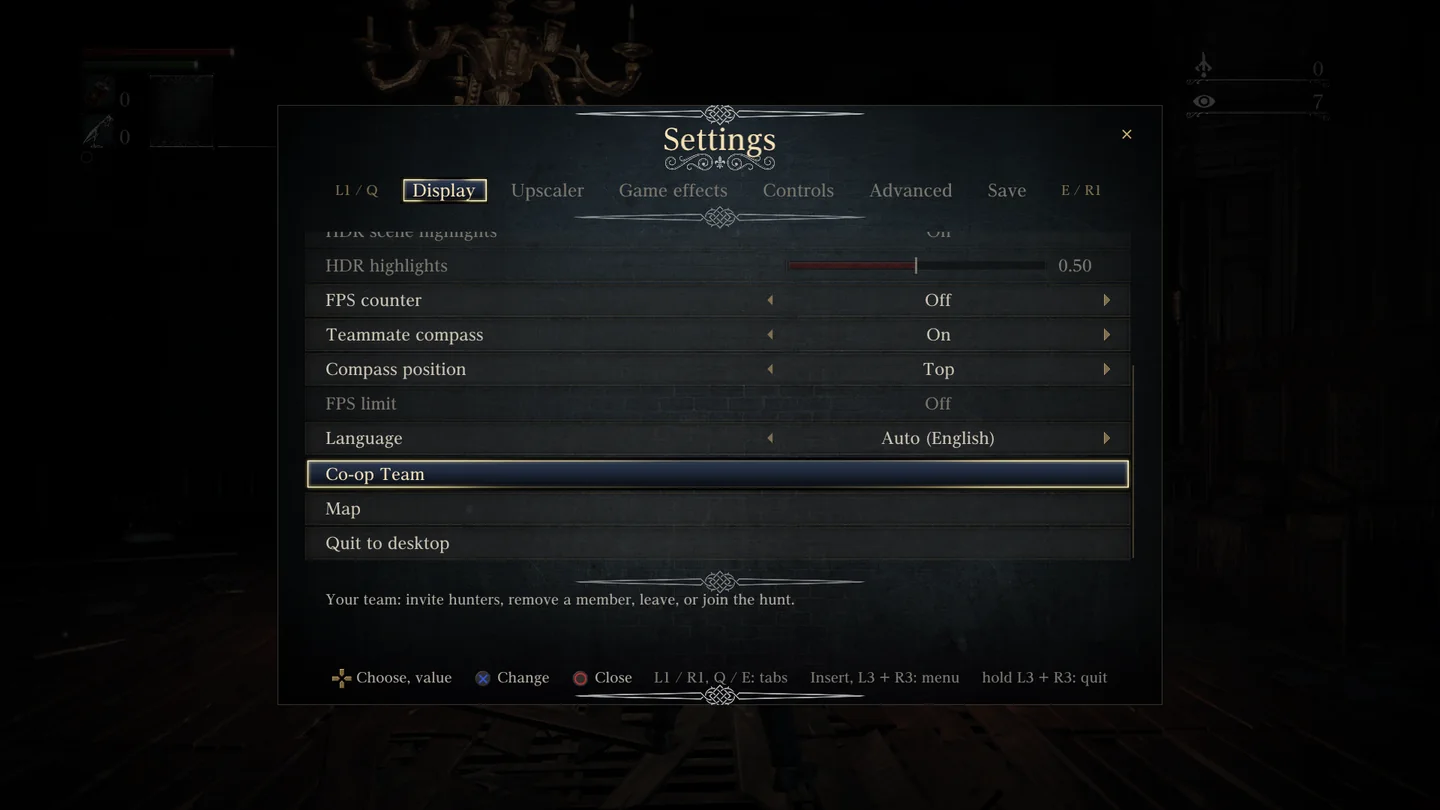
Continue, Load Game or New Game on the title screen opens the team screen, The Hunt Together. In the game, press Insert (or L3 + R3) and choose Co-op Team.
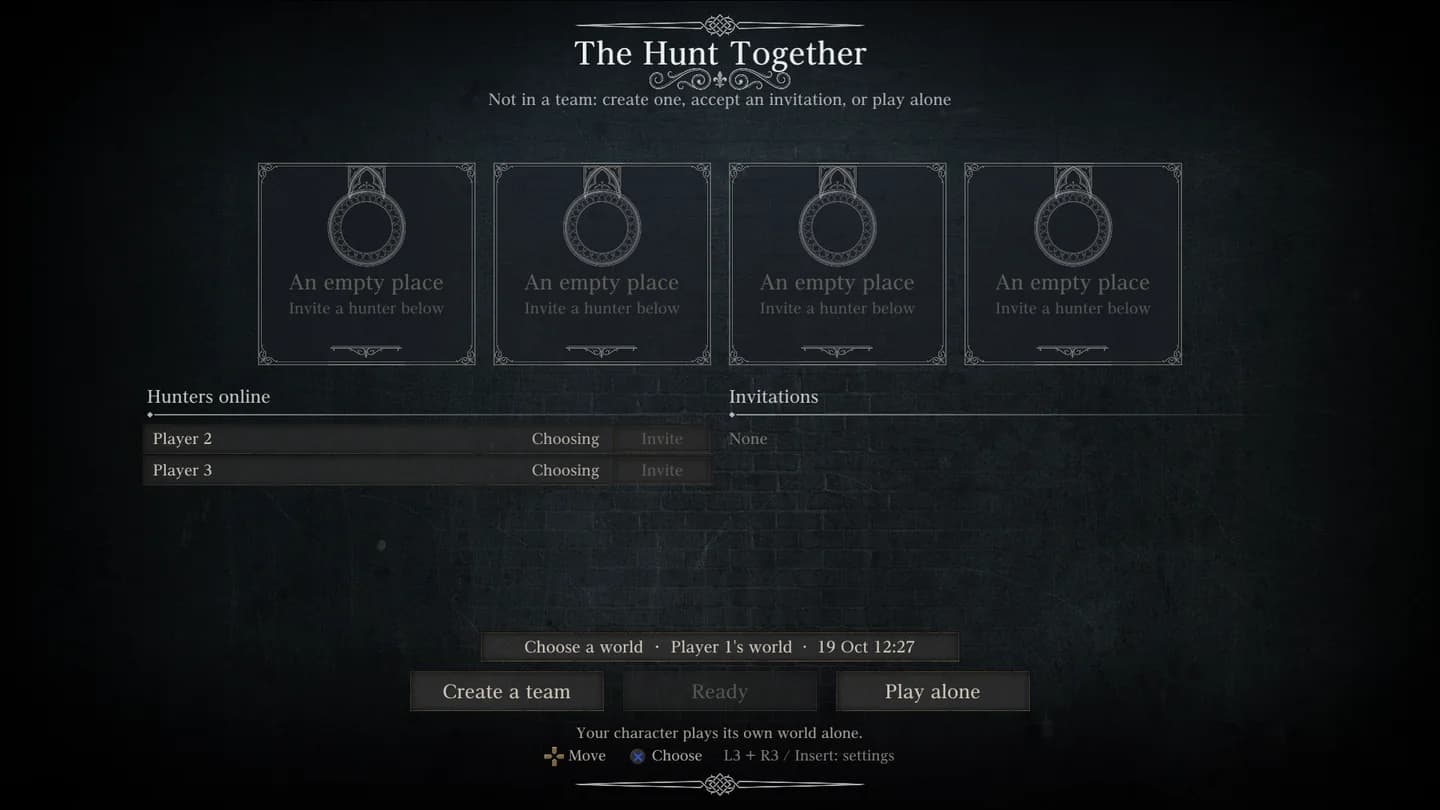
- Create a team
- Makes you the leader. The leader's game hosts the hunt; the server keeps the world.
- Hunters online
- Everyone signed in to your server. Invite calls one of them to your team.
- Invitations
- Who called you. Join or Decline.
- Ready
- You have picked your character. The hunt waits for every hunter.
- Begin the hunt
- Leader only, once everyone is ready.
- Play alone
- Your character plays its own world, without the team.
- Leave the team
- Back to no team. The leader can also Remove a member.
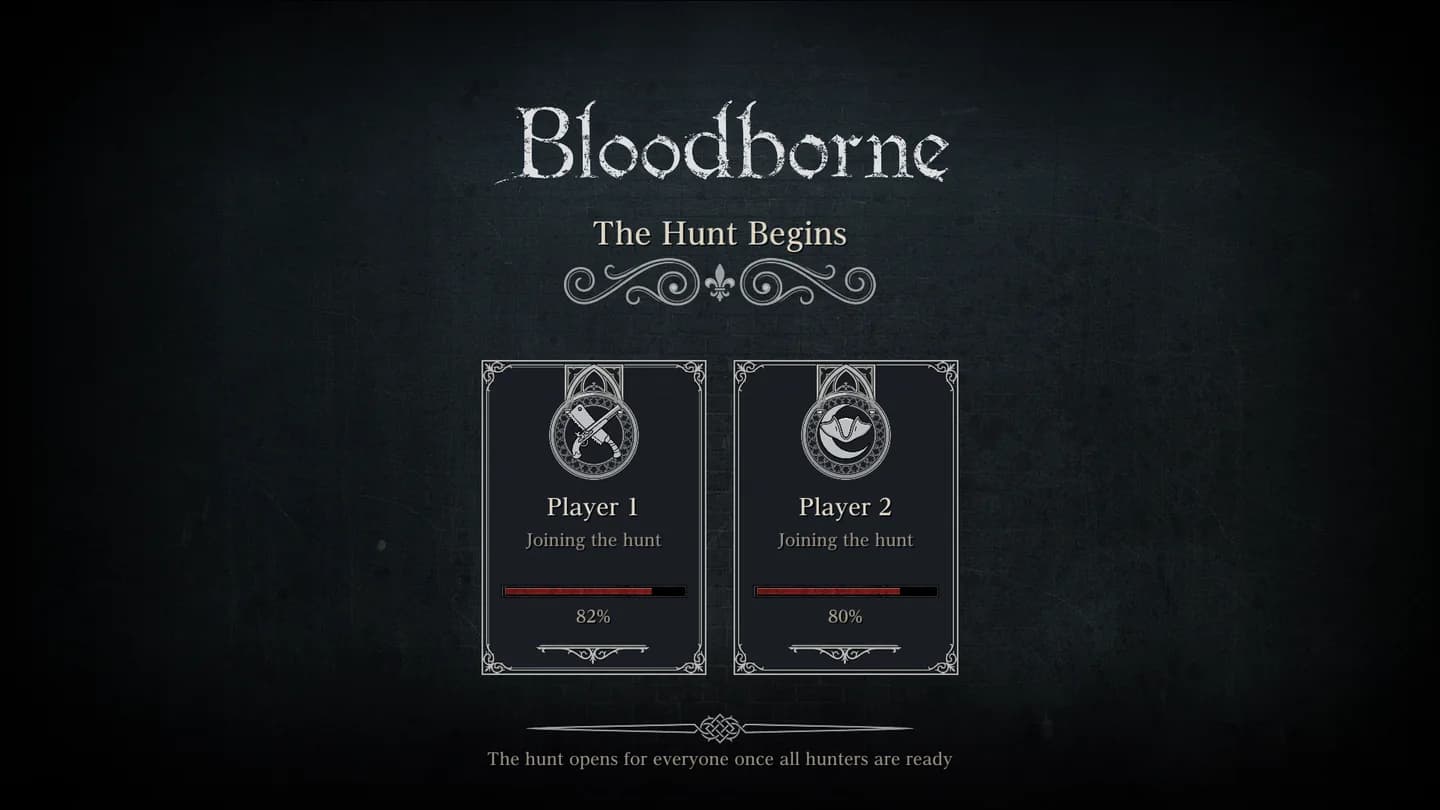
After Begin the hunt every game loads its own save. The loading screen, The Hunt Begins, lists each hunter as Loading, Joining the hunt or Ready, and opens for everyone at once. You arrive where your character stood. Starting the game again after a crash puts you back in the team.
 Join a hunt in progress
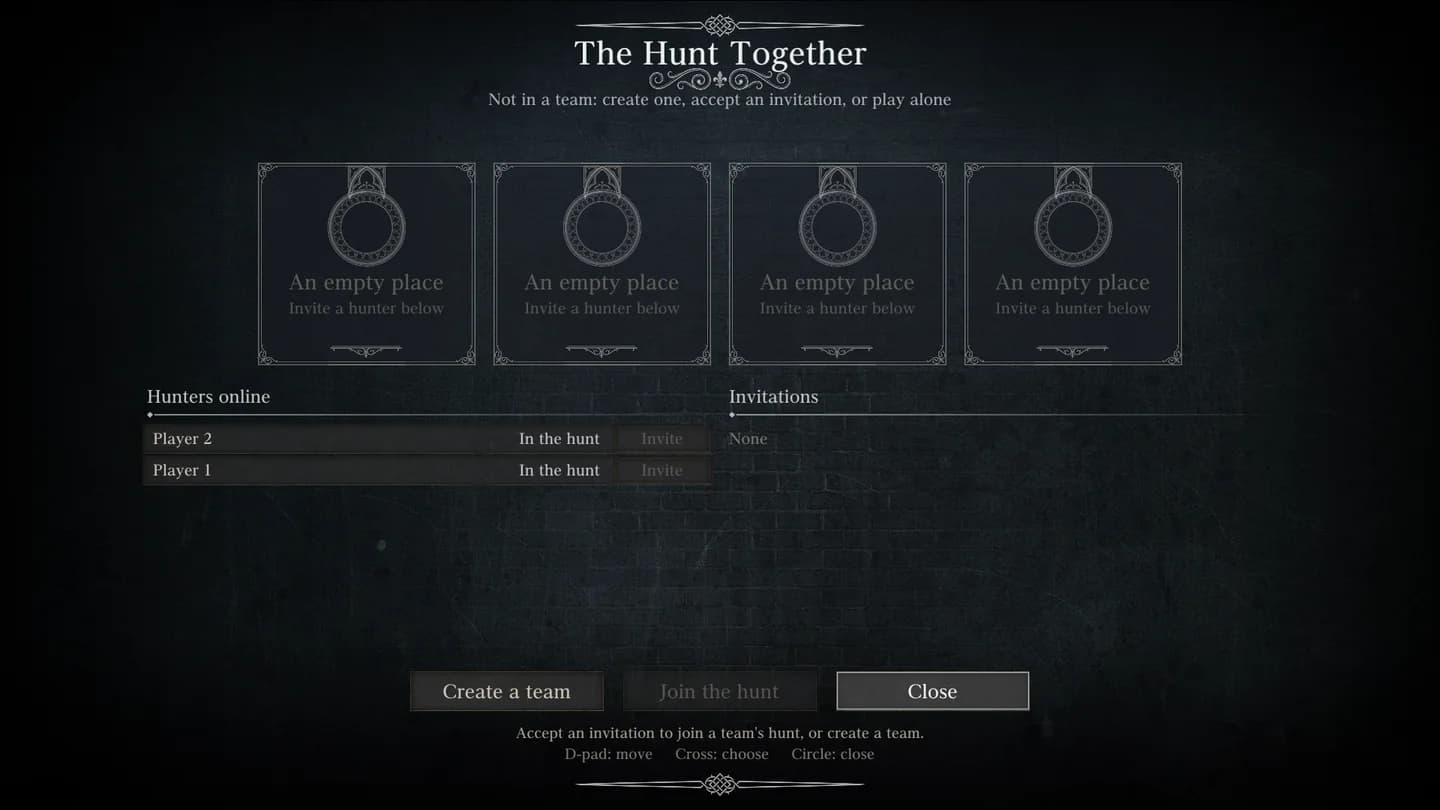
A team can take a new hunter at any time, wherever it is. In the game, press Insert (or L3 + R3) and choose Co-op Team: the same team screen opens. The leader invites, you Join, and your game loads into the team's world. If your character last stood on another map than the host, you arrive at the host's place; on the same map, you keep your own spot.
 One world
- Enemies, their health and their deaths are shared. Everyone's hits land on the same health bar.
- Doors, levers, shortcuts, lamps and beaten bosses belong to the team's world, which the server keeps on the host's disk.
- Items you pick up, Blood Echoes and Insight are your own. NPC gifts are per player, so everyone gets their own.
- Everyone travels on their own, so the team can be in different areas at the same time. Nobody is pulled to the host or sent home, and the party list and the map show where everyone is.
- Anyone can light a lamp for everyone.
Travel apart
You stay in the team wherever you go. One hunter can walk Central Yharnam while another rests in the Hunter's Dream: each plays their own map, the party list keeps both, and the Map says where the other one is.
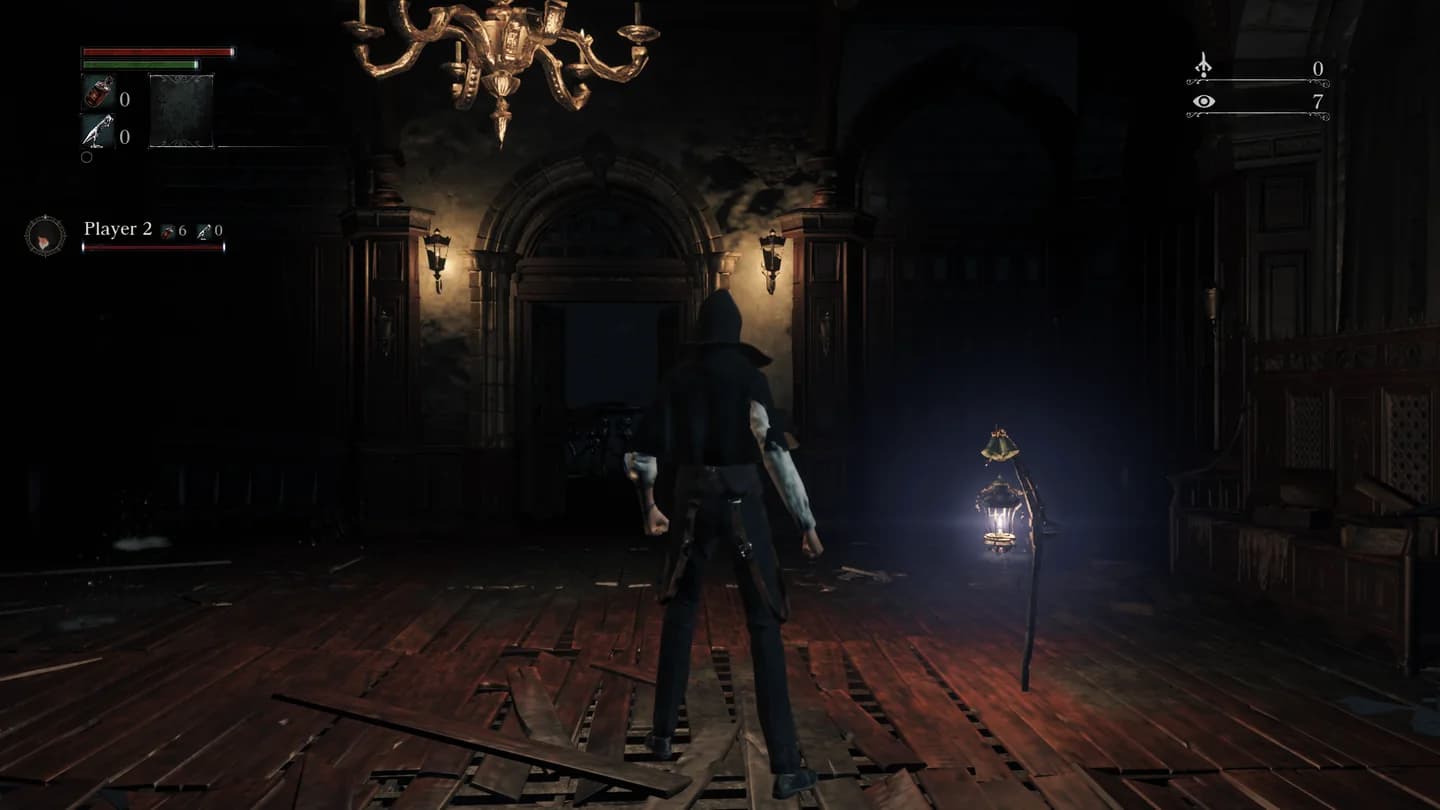
Chalice dungeons together
Chalice dungeons are team altars. When one hunter performs a Chalice Ritual, the chalice rests on every teammate's altar too, so each of you can enter the same dungeon from your own Ritual Altar in the Hunter's Dream. A teammate who does not own that chalice is given it, and keeps it.
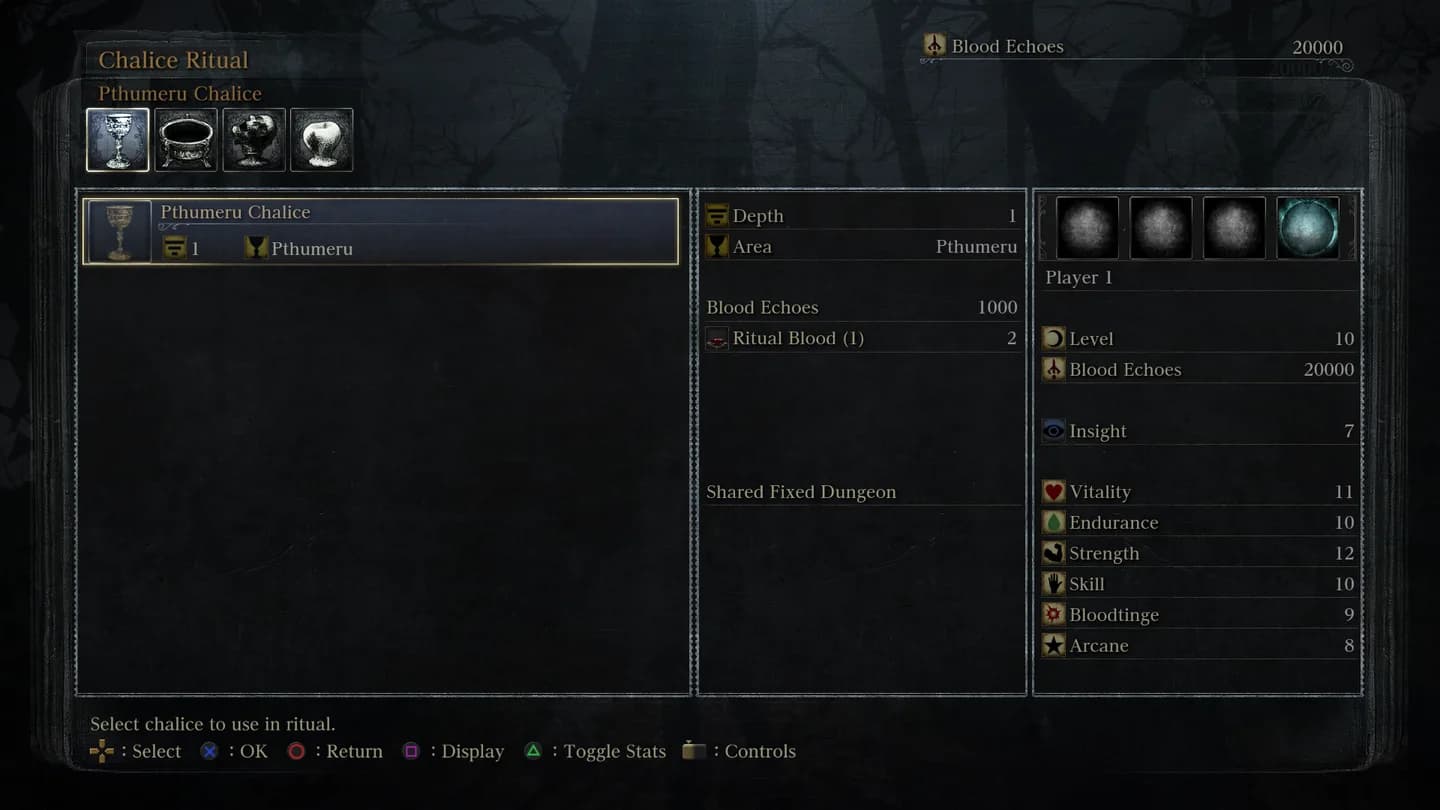
 A chalice dungeon with the whole team
The whole team can gather at the altar while one hunter performs the ritual. Nobody is taken along: when that hunter picks a layer, they alone step into the labyrinth, and the rest stay in the Hunter's Dream until they are ready.
- One hunter performs the Chalice Ritual; the others can watch.
- Each hunter picks the layer at their own Ritual Altar, one after another, in any order.
- Everyone arrives at the dungeon's entrance and plays it as a team: enemies, kills and downs are shared as in Yharnam.
- Each of you goes back to the Hunter's Dream whenever you like; the others play on.
Map and compass
The Map in the Insert menu shows every area of the game with your team on it. The lamps you have lit are listed on the right, and the Hunters list says which area each teammate is in. Pick a lit lamp and press Travel to go straight there.
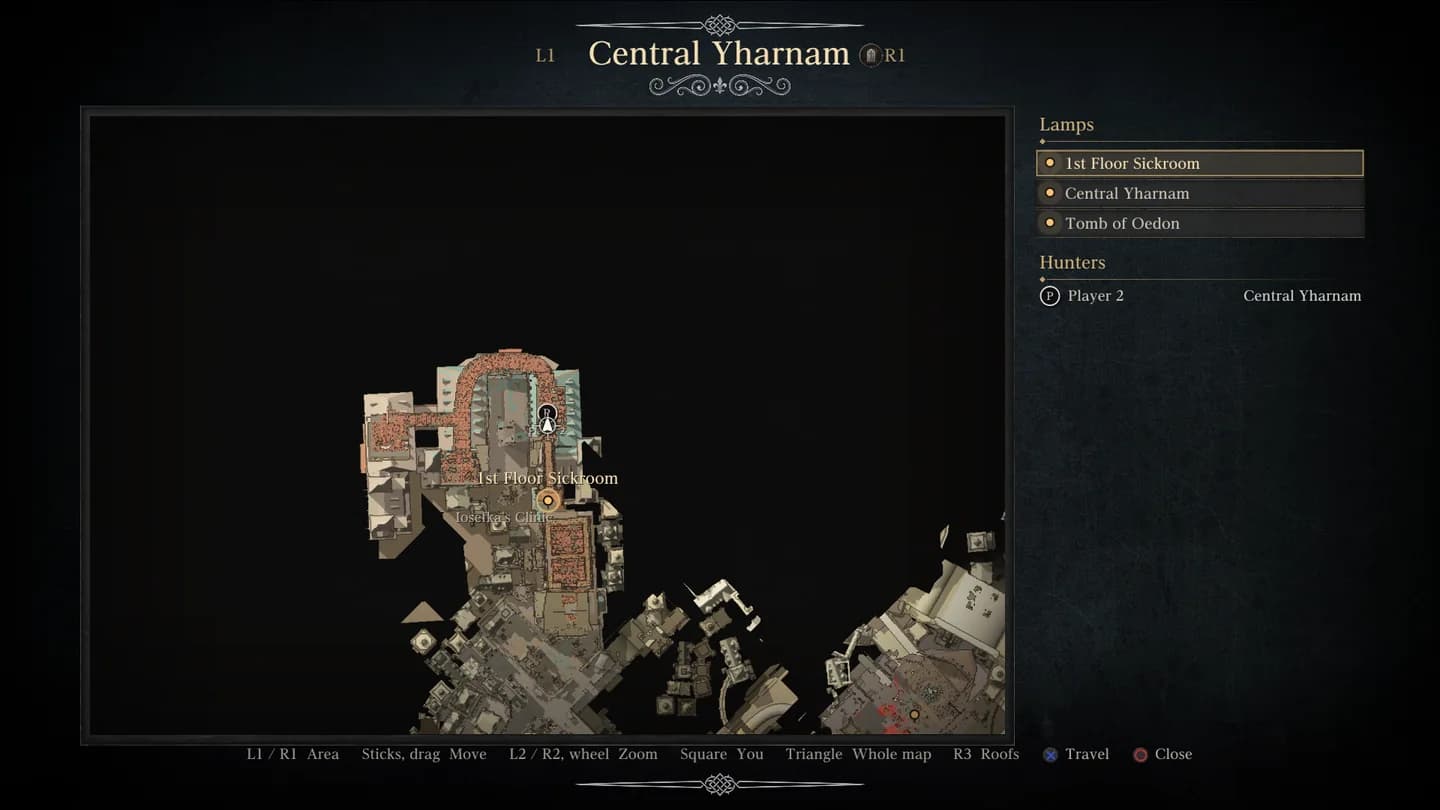
- L1 / R1
- The previous or next area.
- L2 / R2, mouse wheel
- Zoom.
- Square
- Back to where you are.
- Triangle
- The whole map.
- R3
- Show or hide the roofs.
- Cross
- Travel to the chosen lamp.
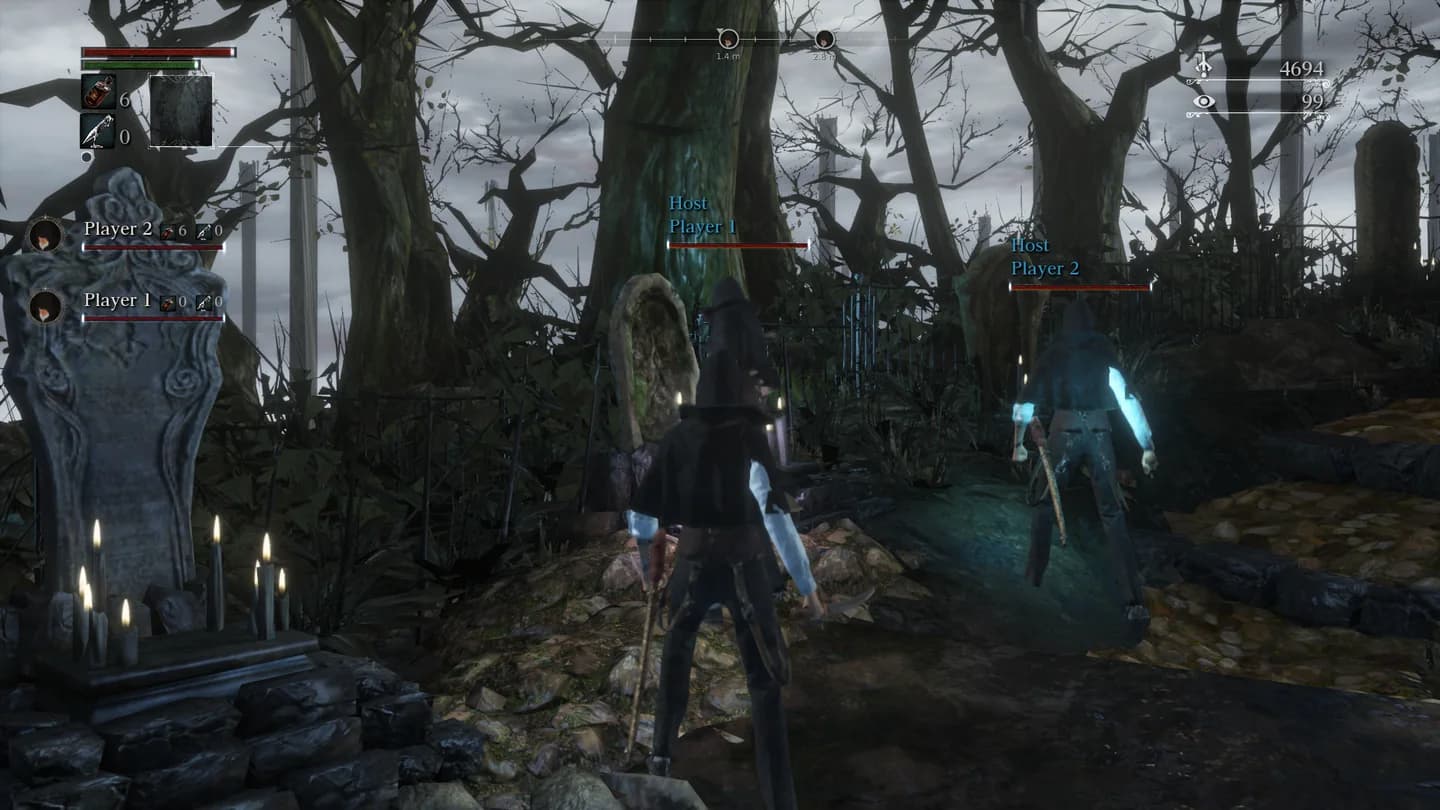
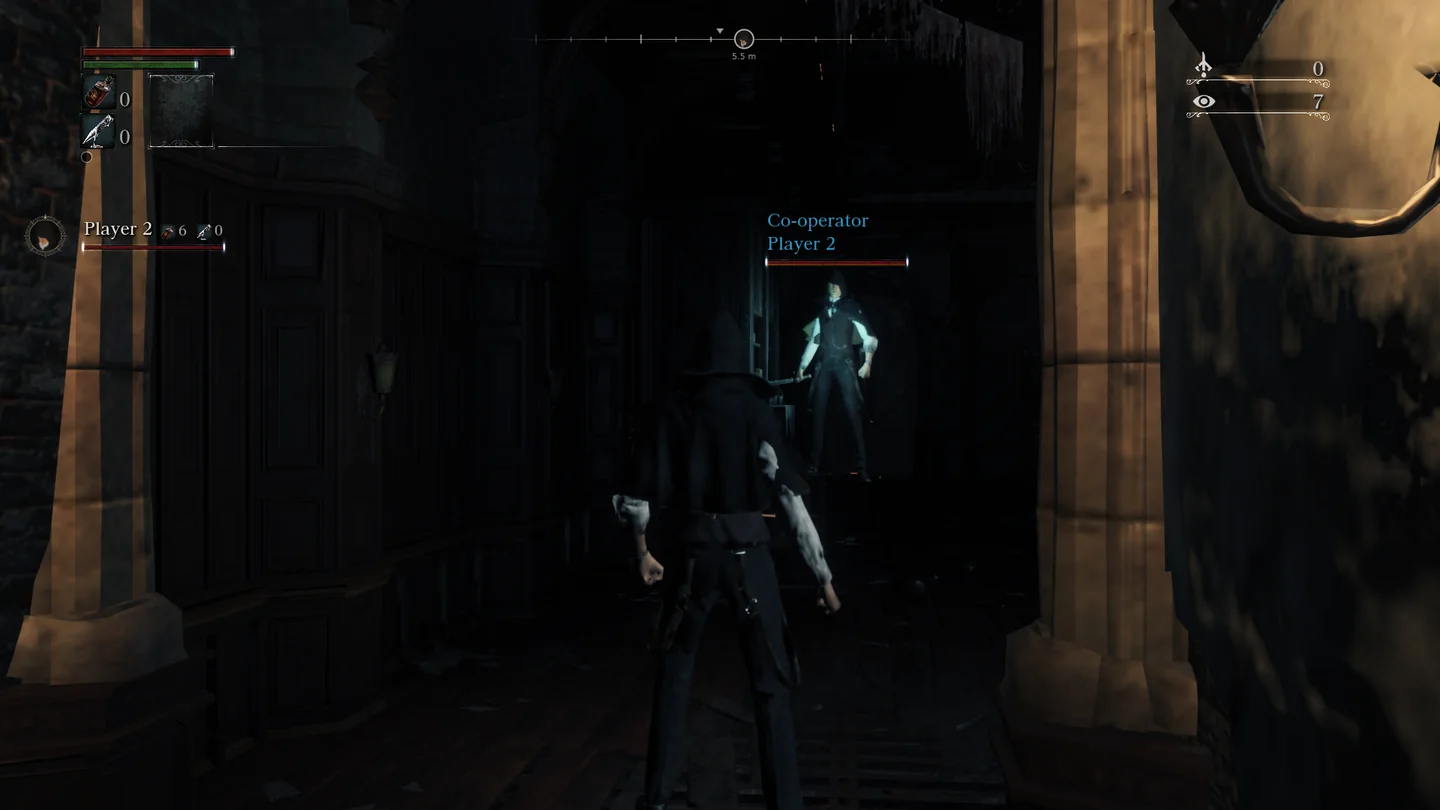
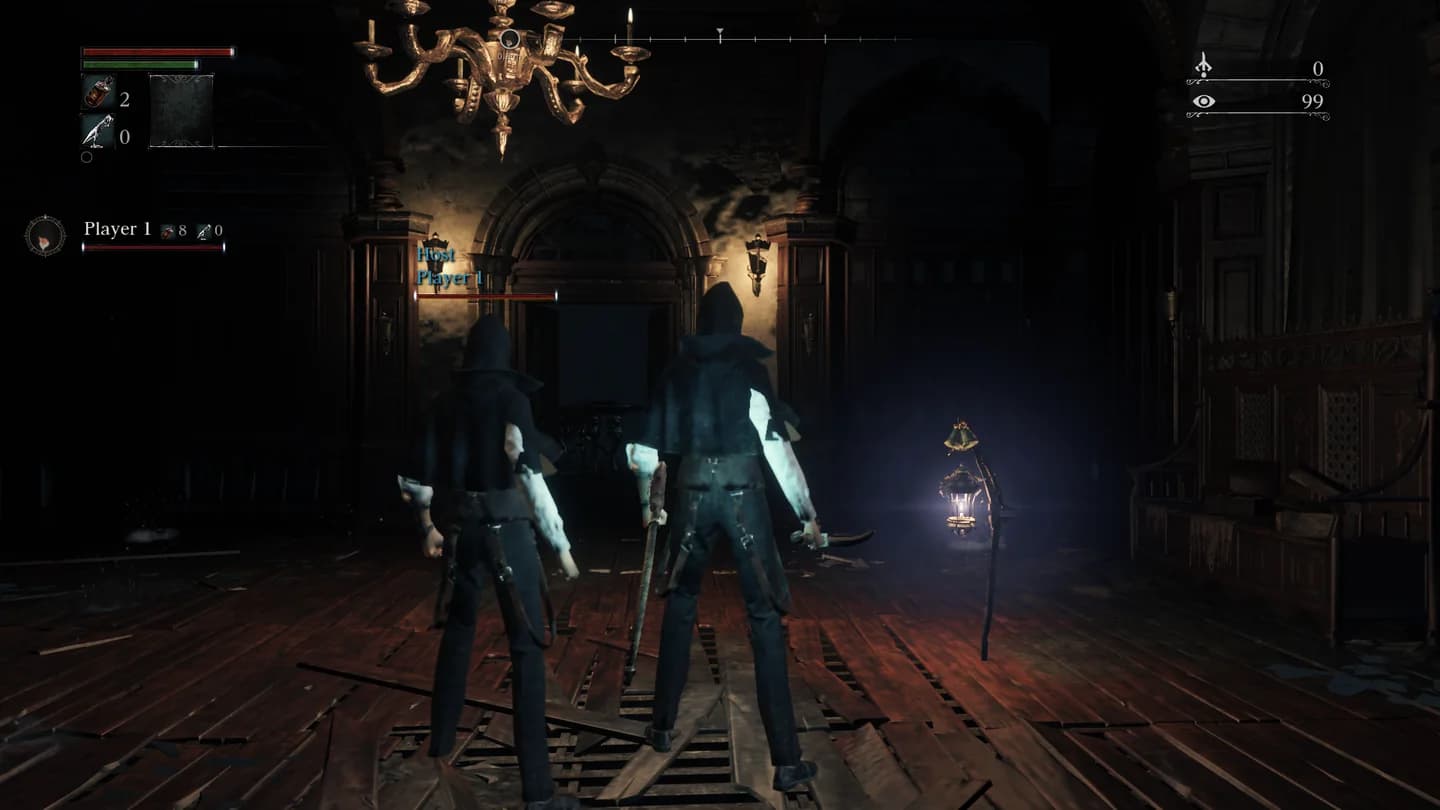
The compass at the top of the screen shows your teammates while you play: a mark with their initial and how far away they are. When someone is behind you, the mark waits at the edge with an arrow pointing the way.
 The party list
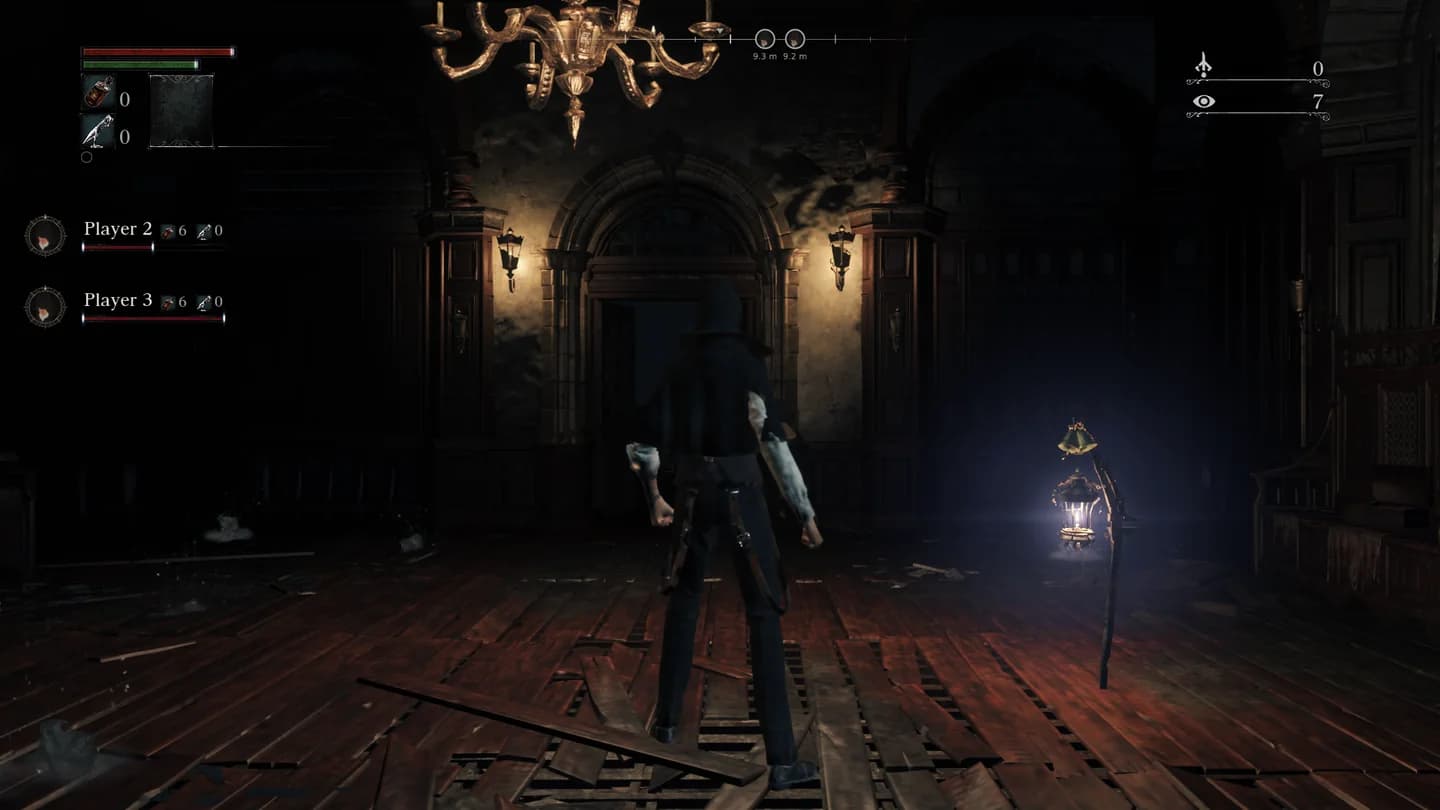
Your teammates are listed on the left, under your own bars, in the game's own HUD style: a round portrait, the name, how many Blood Vials and Quicksilver Bullets they carry, and their health bar. It reads Down with the revive progress, or Dead. To see which area a teammate is in, open the Map.
 Going down
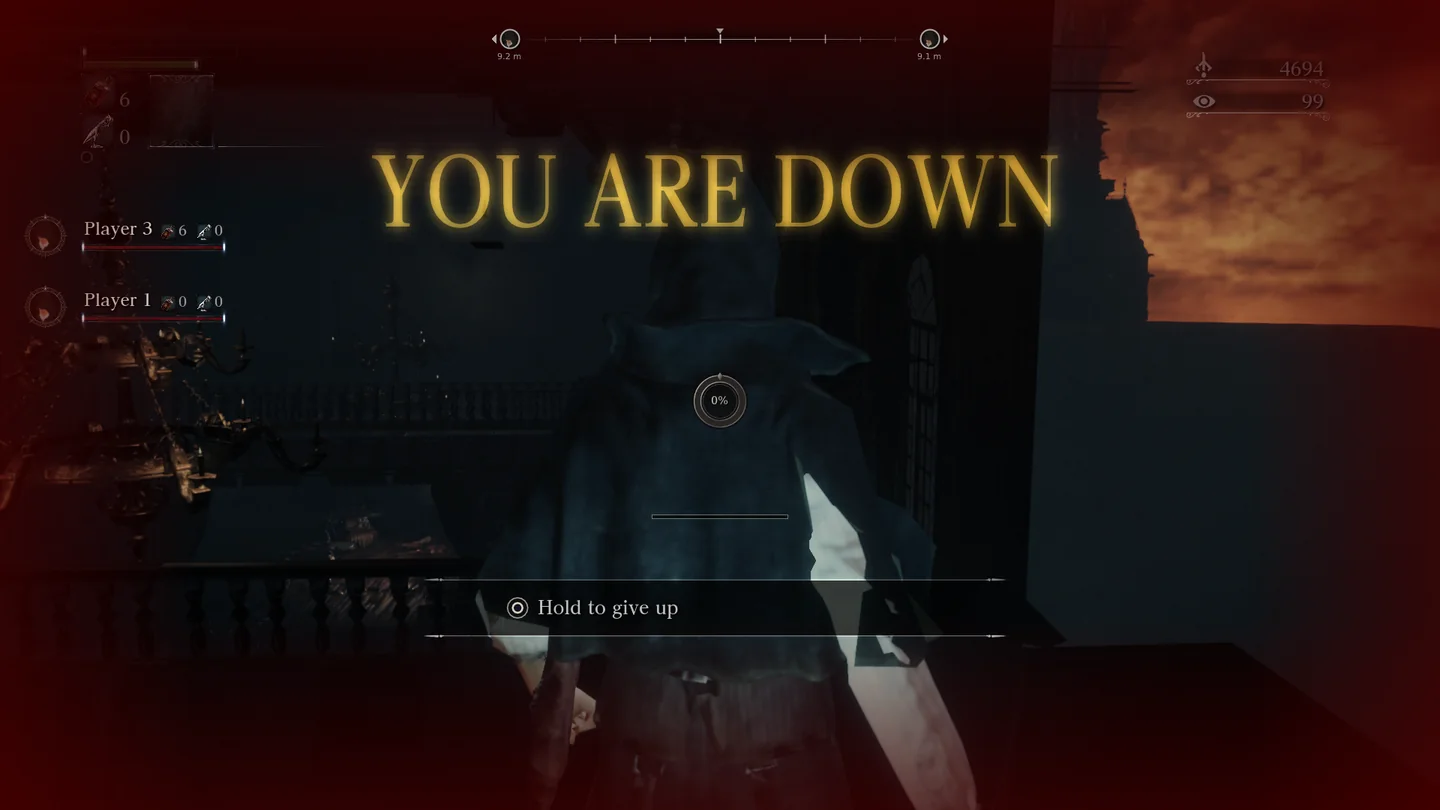
While a teammate stands on your map, a killing blow puts you down instead of killing you. The screen turns red and YOU ARE DOWN rises in gold letters. A ring in the middle fills as your teammates strike you back up.
- Reviving
- Strike the downed hunter. The prompt shows strike to revive and how far along it is. The first down needs as much damage as their full health, the second twice that, then four times. They get up with half their health and two seconds of safety.
- Giving up
- Hold the dodge button for three seconds to die at once.
- A wipe
- When everyone on a map is down, the party dies and wakes at the host's lamp. The map resets as it would after a death, but the team's kills stay, and your Blood Echoes wait where you fell.
 Giving items
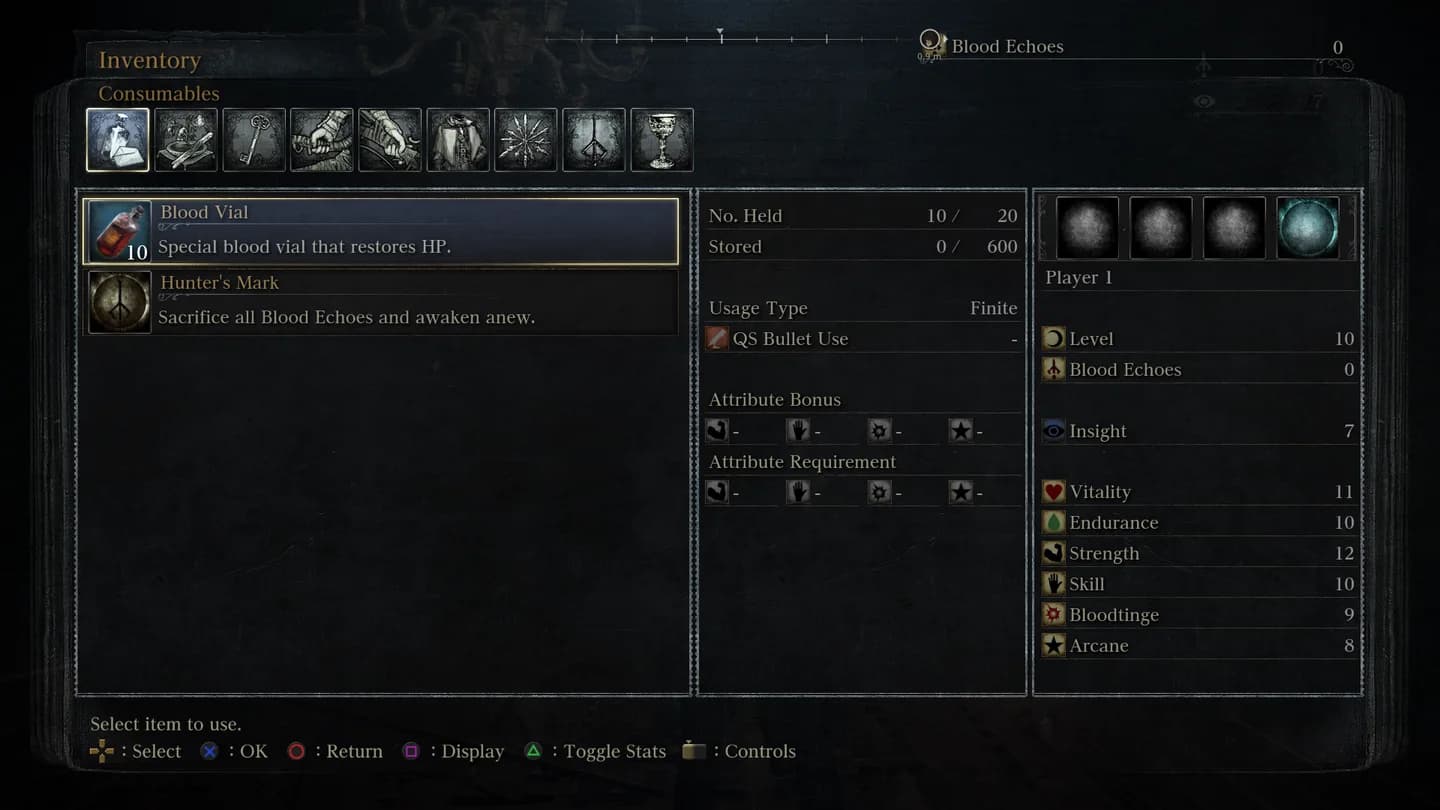
In the inventory, an item's menu lists Give to for each teammate nearby, and Give Blood Echoes to for echoes. Pick how many; the teammate accepts in the game's own dialog. Weapons go one at a time.
Settings in the game
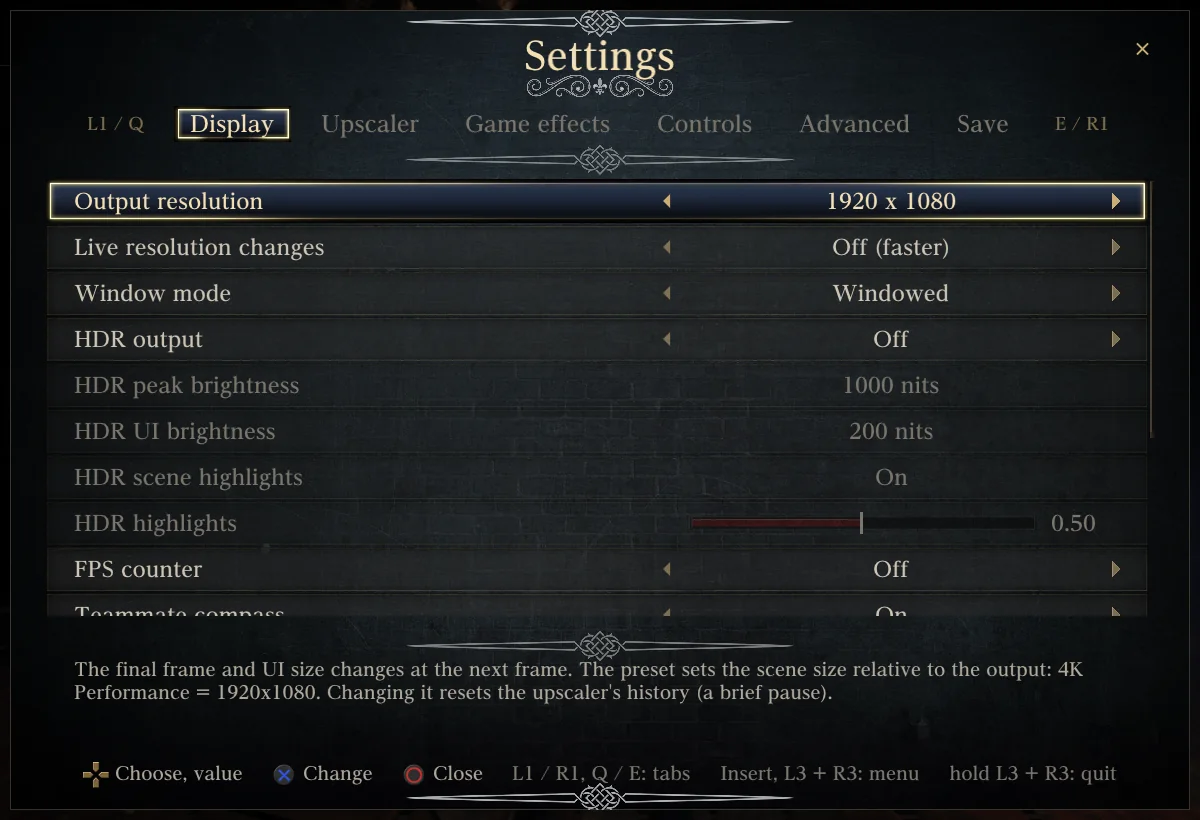
Insert on the keyboard, or L3 + R3 on a pad, opens the port's settings over the game, with Co-op Team, Map, Apply and restart the game and Quit to desktop. The frame rate shows 60 (co-op) and can't be changed while playing together.